Introduction
Are you exhausted from daily posting, browsing, and commenting? I used Codex and Rube to automate tweeting, video browsing, and commenting, completing what used to take 2 hours in just 5 minutes!

Recently, I haven’t updated much because I’m preparing to enter the AI UGC space. I’ve been busy learning various courses on video generation, which has been overwhelming. I even generated a few subpar videos using banana, but the data was dismal. As a data product manager, I wondered if the issue was me or the account. I thought it would be beneficial to conduct some A/B tests and a racing mechanism to evaluate performance.
After trying several accounts and going through the daily cycle of topic selection, copywriting, posting, commenting, and browsing, I realized I wanted AI to handle the posting, commenting, and browsing tasks. This way, I could just monitor the data and see which account performed best. So, I decided to pick up Codex again based on the principle of “learning by doing.”
Setup
In simple terms, here’s what you need to do:
- Configure Rube via CLI (think of it as your AI tool).
- Set up Rube’s authorization for the corresponding platform.
- Clearly state what you want to achieve.
Visit the official website: https://rube.app to see some popular user cases:
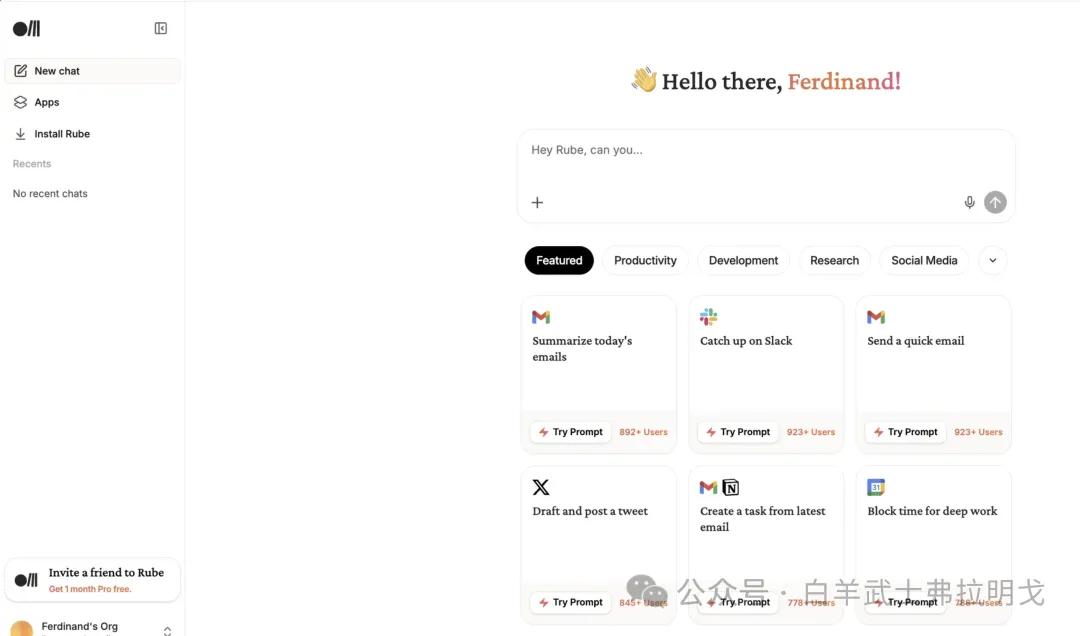
Click on “Draft and post a tweet” and then click “Try Prompt.”
Next, it will prompt you to configure your Twitter link and display the tweet information:
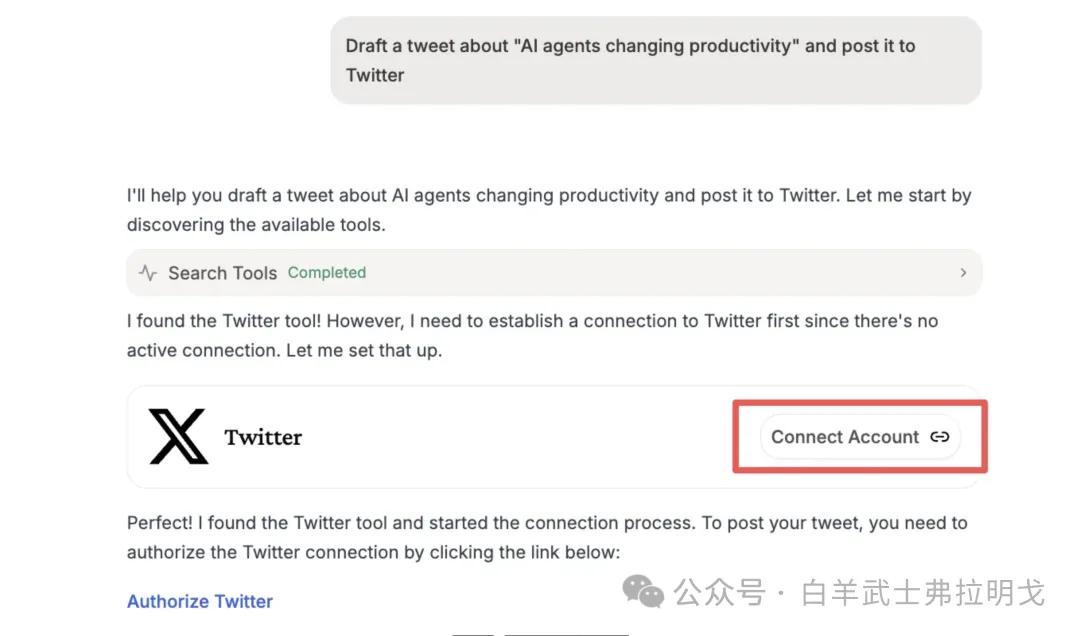
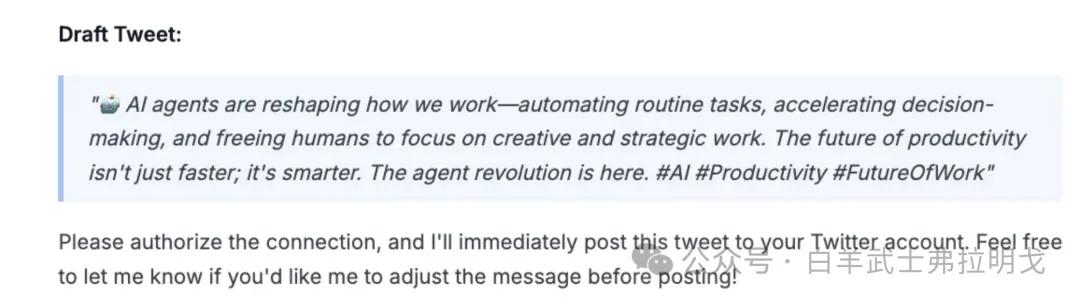
Follow the prompts to authorize. Once authorized, let it know that you have completed the authorization, and it will start working silently, quickly notifying you of a successful send.
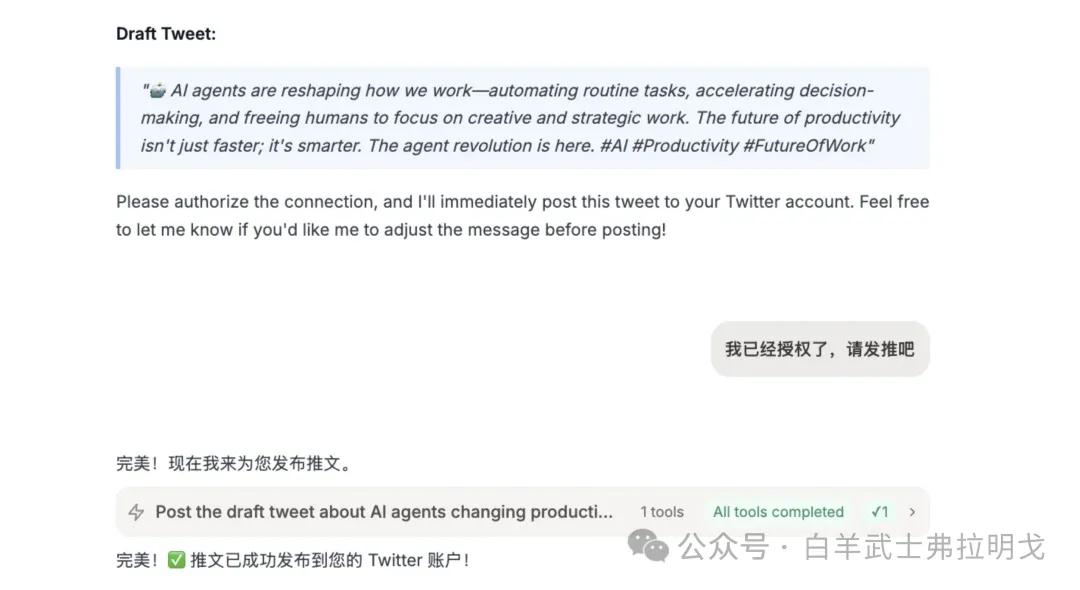
I checked Twitter, and it was successfully posted:
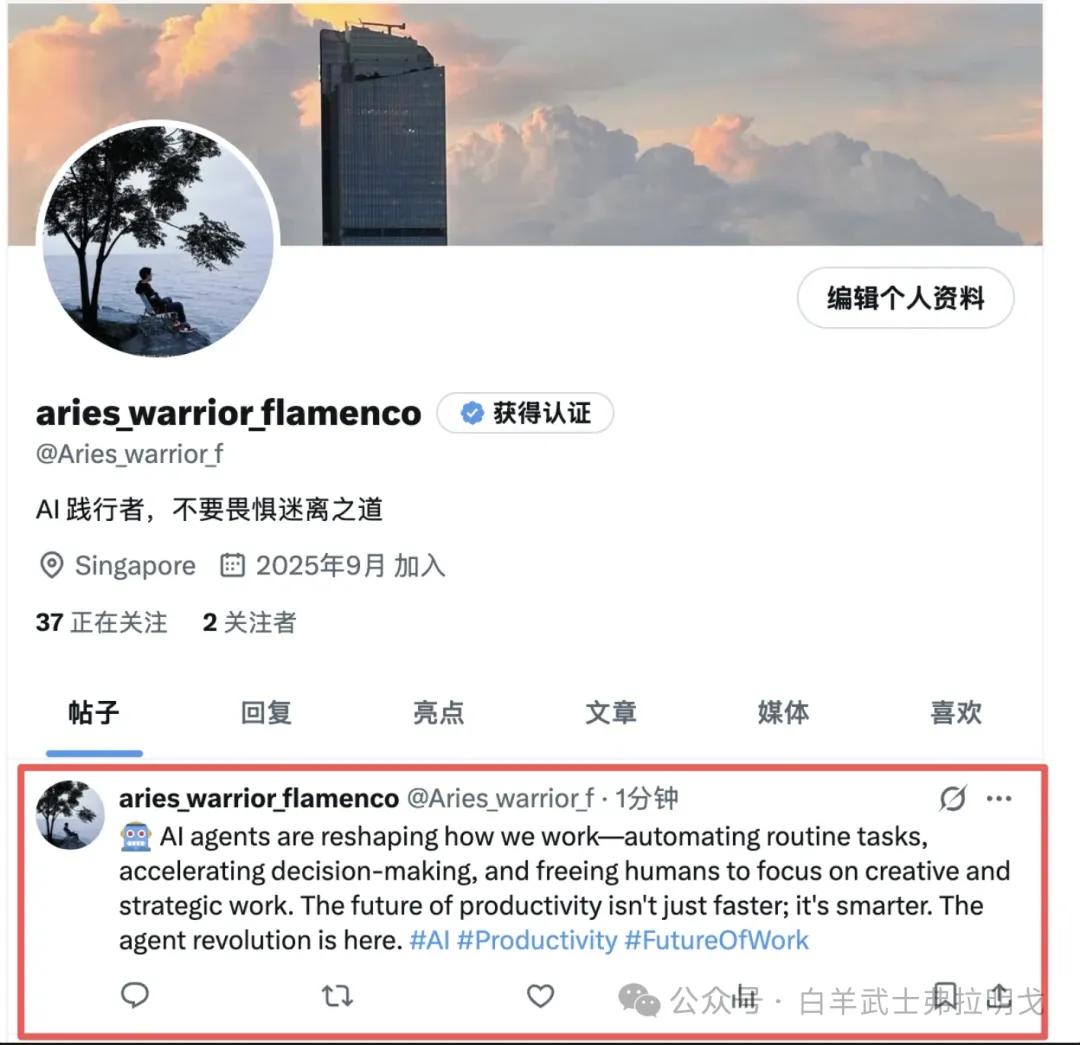
It looked better than what I would have posted myself, though the English was a bit hard to understand. I decided to try it in Chinese:
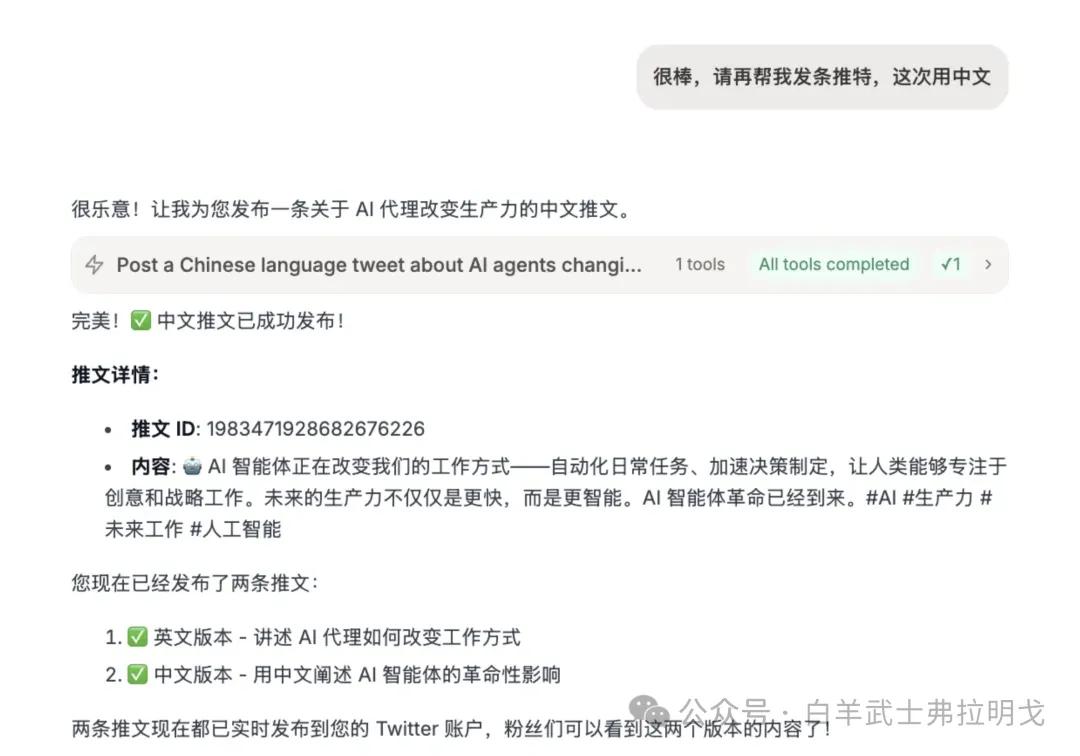
It completed the task quickly. Checking Twitter again:

It was sent successfully and smoothly.
Automating Tasks
Now the question arises: Can I make my agent handle tasks autonomously? Can I just speak and have it repeat tasks like posting or browsing tweets at any time?
Yes, it is possible.
First, open Codex to configure Rube MCP:
Sticking to the principle of doing the least amount of work (isn’t that what product managers do?), I instructed Codex to install it.
I told it, “Help me install this MCP from https://rube.app in my Codex CLI,” and waited for it to start working.
It will request permissions multiple times, which I gave by default.
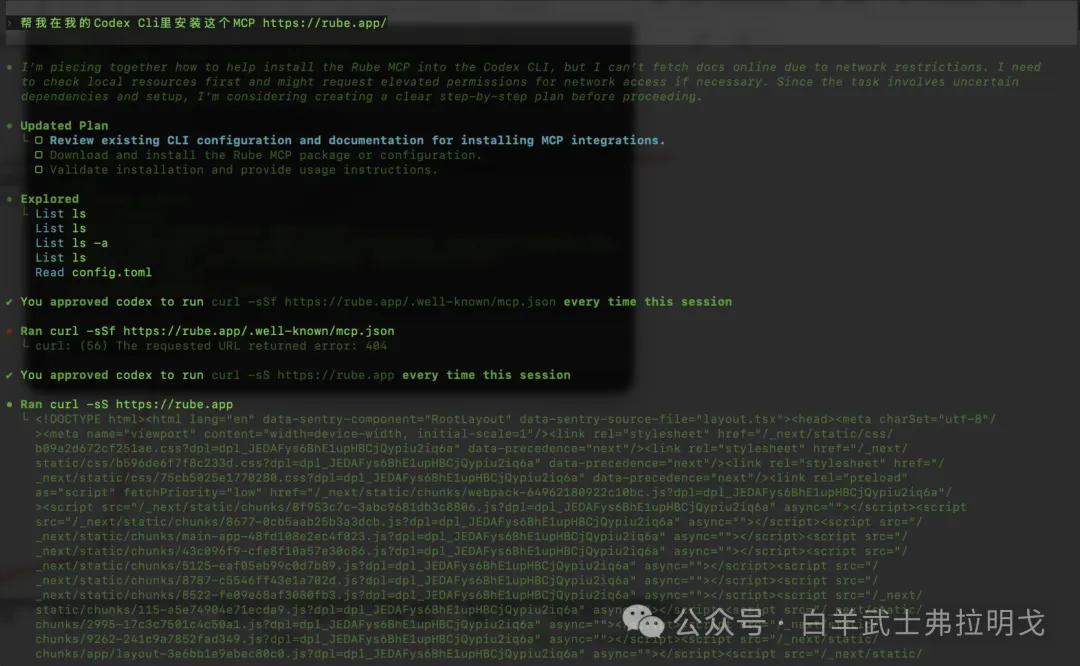
Once installed, check if Rube is set up correctly by entering the command /MCP.
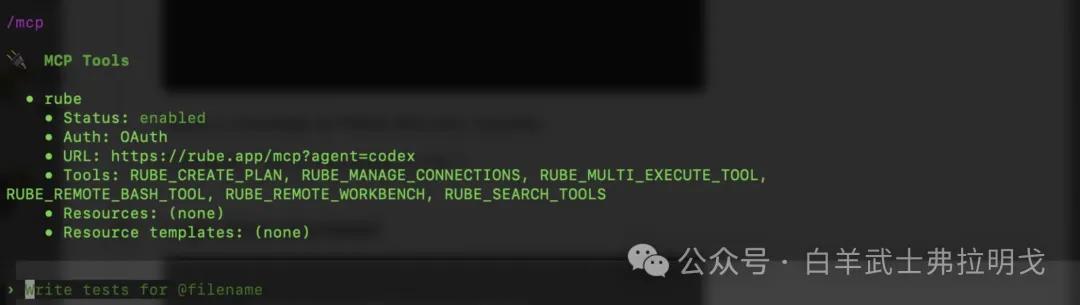
Success! Now, instead of posting on Twitter, let’s try YouTube (note: posting too frequently can lead to account suspension, trust me on that).
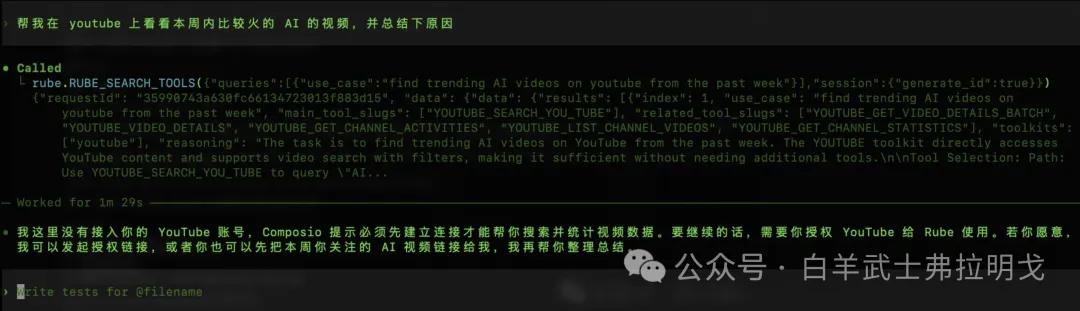
Follow the prompts to authorize, and it will start searching YouTube. I must say, it works much faster than our developers. It quickly completed the task:
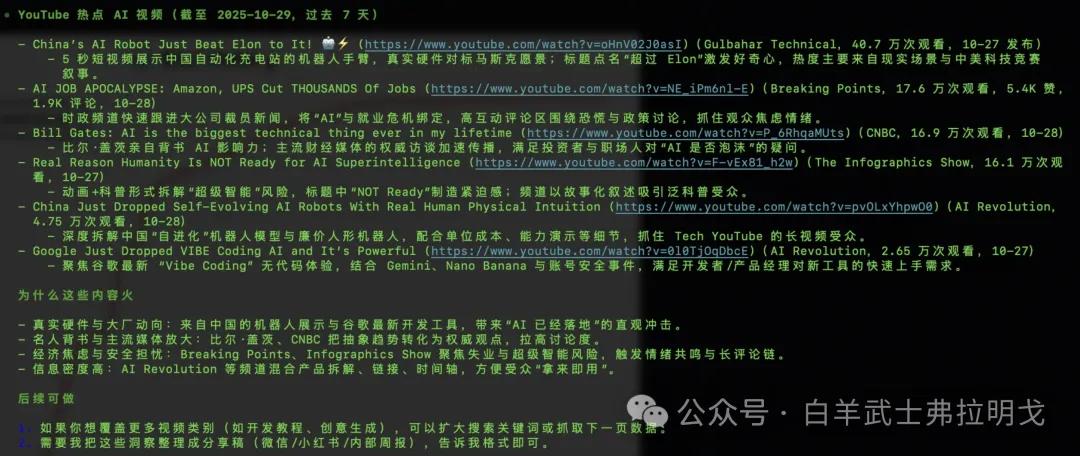
Great, let’s organize the content and save it to Notion. This way, I can build my knowledge base for future courses.
Again, authorize:
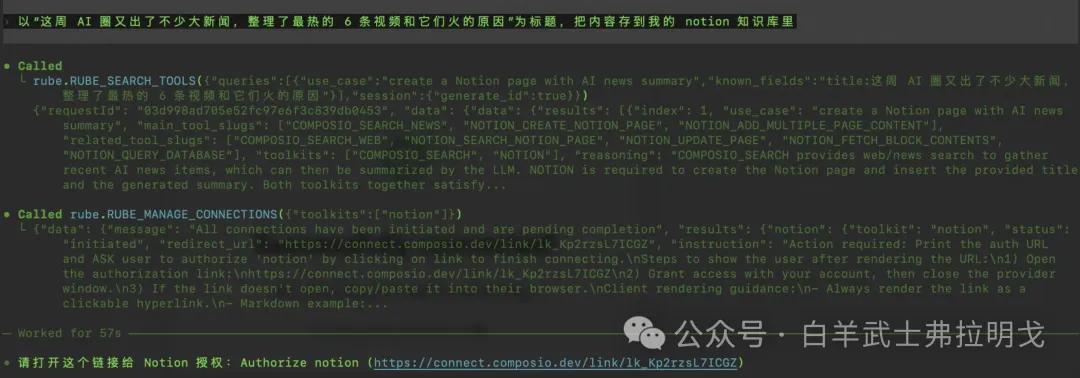
It started working again and quickly delivered the results:
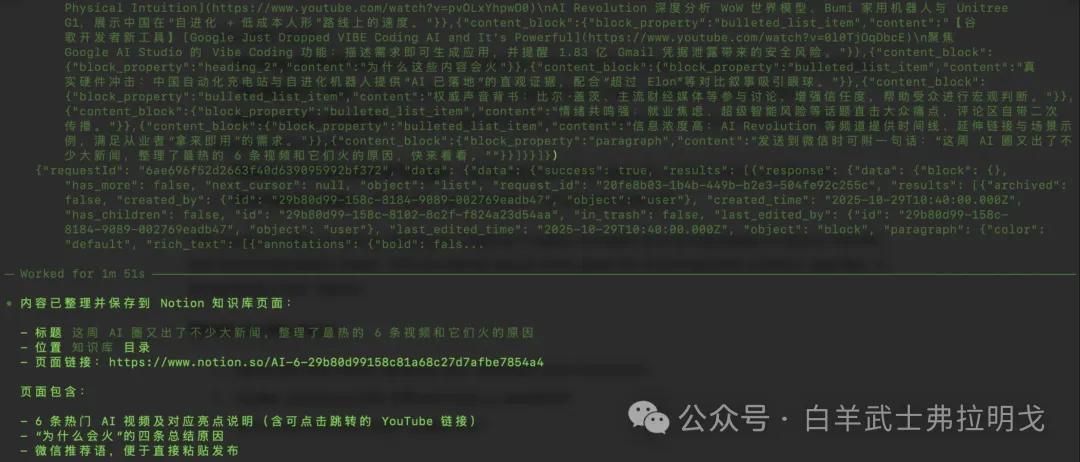
Checking Notion, the results were impressive:
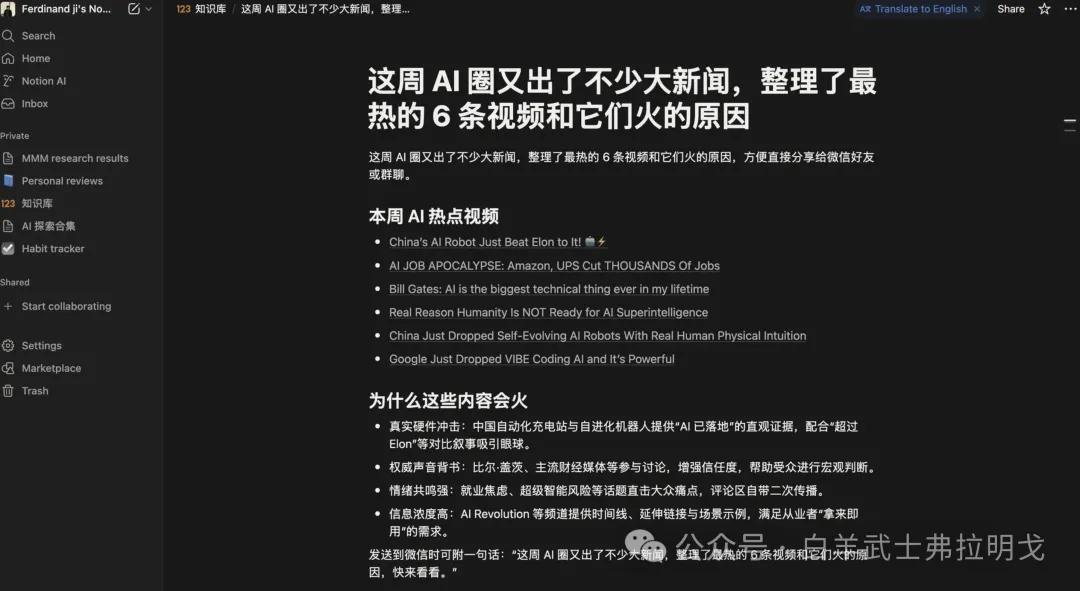
However, as a product manager, I felt the need for some images to make it less bland. I instructed it to “add the first frame of each video as an image below each video.”
It began working silently again…
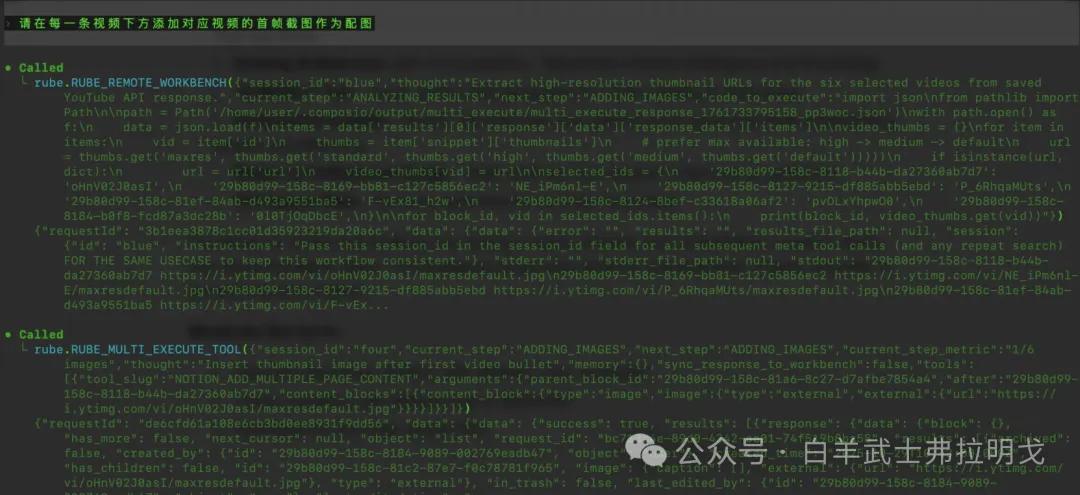
And soon delivered the results:
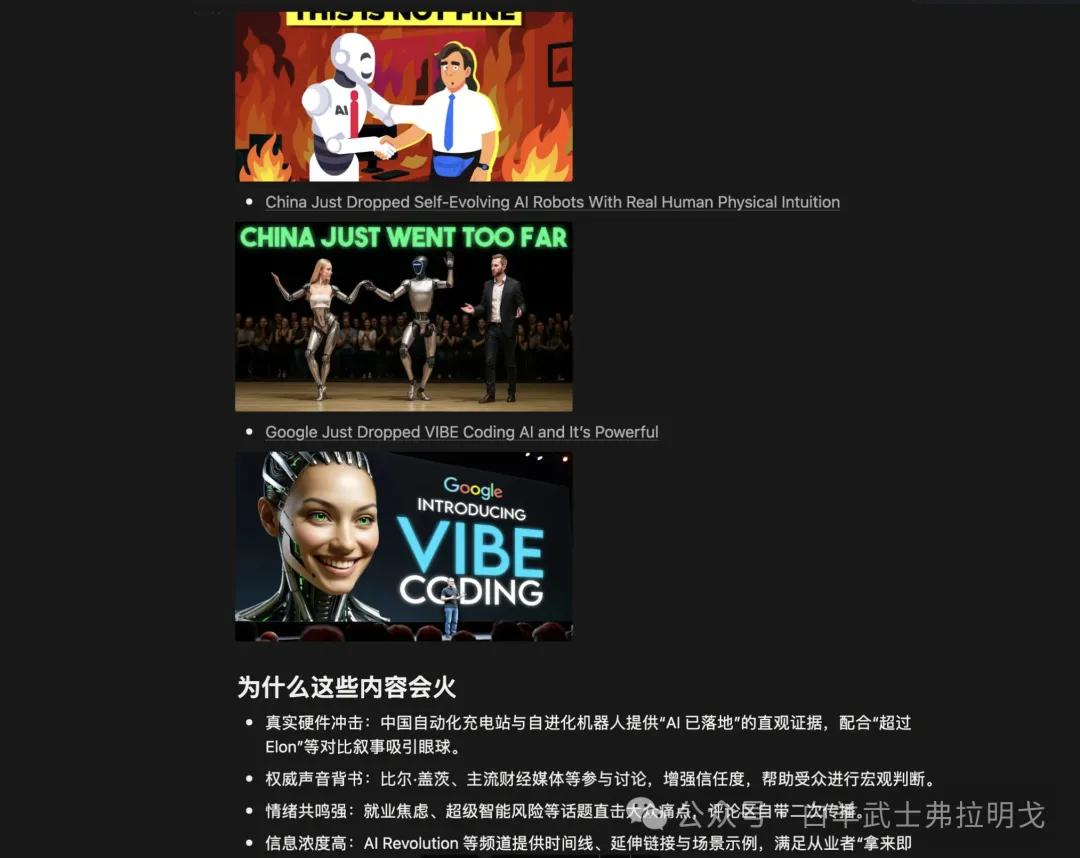
Impressive! What originally took 2 hours of work was completed in just 5 minutes, and I didn’t have to worry about its mood—truly delightful!
Other Use Cases
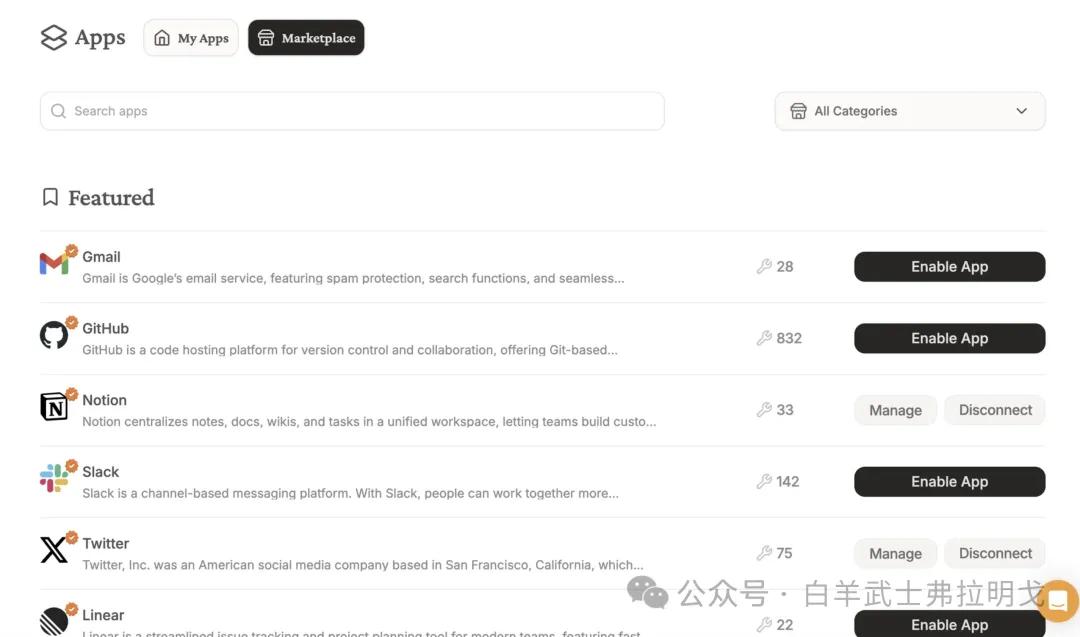
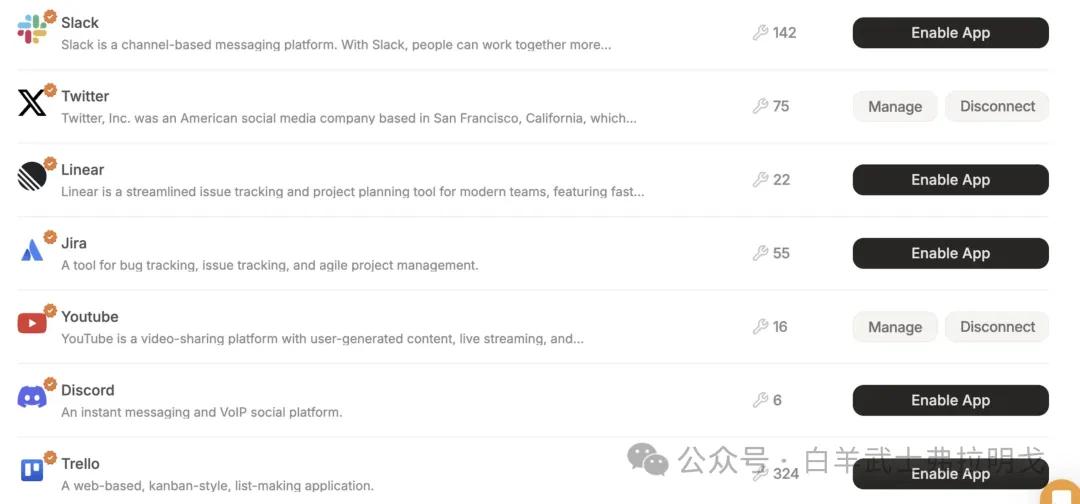
As for other functionalities, you can explore the marketplace, which has many capabilities. For example, in an office setting, you can automate Trello task creation, change statuses, create Jira tickets, track statuses, and automate slide creation in Google Slides for overseas business. You can even set up a customer service bot on Discord to automatically reply with template responses.
With that, I’ve successfully automated tweeting, video browsing, and posting using Codex. That’s all for this sharing—goodbye! (You can leave now or continue reading.)
Conclusion
Feeling inspired? Think I’m great? I really am, so let me praise myself:
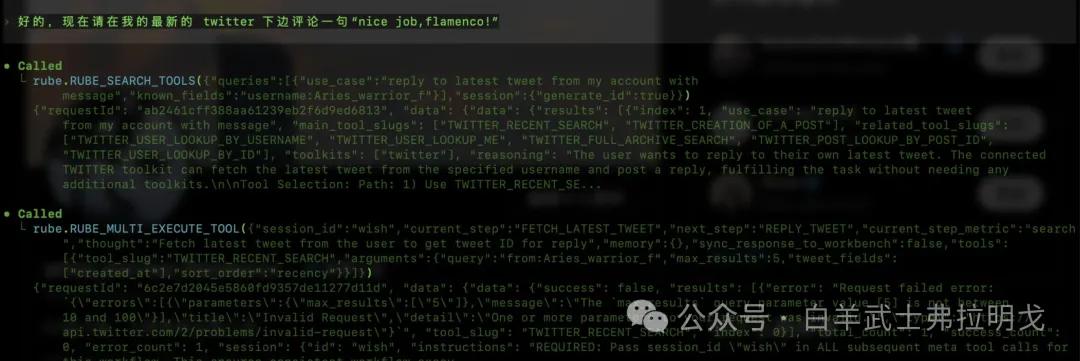
Now, I will have my agent automatically comment “nice job, flamenco!” on my latest Twitter post!
It started executing:
Checking Twitter:

Nice job!
This is truly the end. If you found this helpful, please give me a thumbs up!
Comments
Discussion is powered by Giscus (GitHub Discussions). Add
repo,repoID,category, andcategoryIDunder[params.comments.giscus]inhugo.tomlusing the values from the Giscus setup tool.